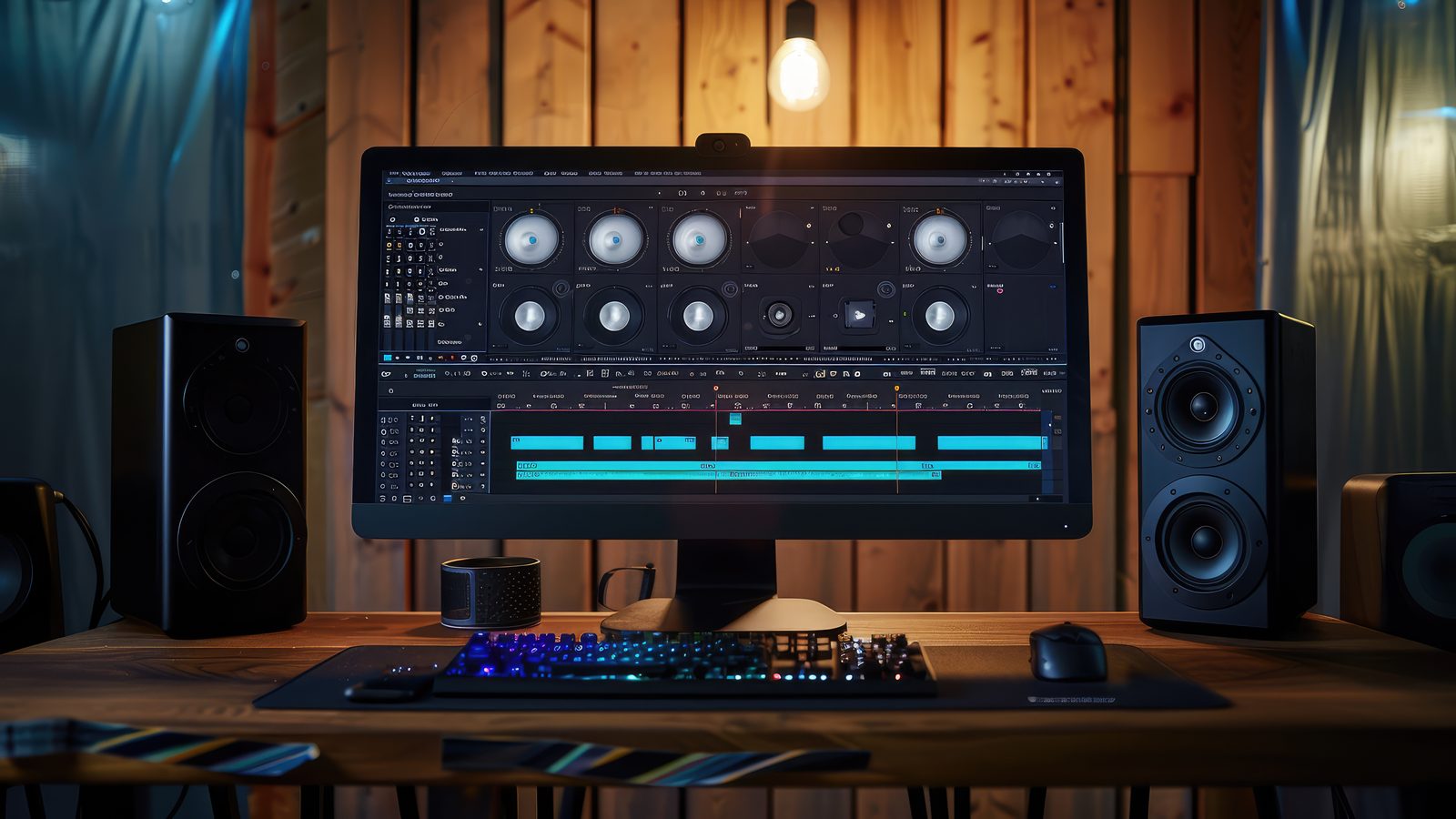
Ubuntu Studio 26.04 LTS: Set Up Pro Audio with PipeWire
Start with the PipeWire setup that ships with Ubuntu Studio. Verify a working recording and playback path first; a different kernel or higher scheduling priority is not a prerequisite.
Make a first recording before tuning the system
- Plug in one interface and use a simple source. Check its input, playback pair and headphone output instead of opening an existing project with saved routing.
- Run
wpctl statusin your logged-in Plasma session. If it cannot connect, check the audio services; if it connects but the device is missing, check the interface and ALSA first. - Open the DAW with its intended backend. Record a few seconds on one armed track, disarm it, and play the recording back. Check speakers and headphones separately, and distinguish direct monitoring from the sound returning through the DAW.
- Once that works, save the baseline and test a loaded project. Change the buffer or device profile only if you can name the problem you are fixing.
Check what is installed
Ubuntu 26.04 LTS launched with Linux 7.0. Ubuntu Studio uses the generic kernel with low-latency boot parameters rather than shipping a default PREEMPT_RT kernel. Check your machine, especially after an upgrade or if you use an alternate kernel. See the Ubuntu Studio release announcement for audio controls and FFADO integration, and this Ubuntu 26.04 LTS overview for the broader release.
uname -r
cat /proc/cmdline
apt-cache policy pipewire pipewire-jack wireplumber ubuntustudio-audio-config
pipewire --version
wireplumber --version
wpctl status
uname -r identifies the kernel you actually booted. In the package output, distinguish Installed from Candidate. wpctl status should list the connected graph, devices and streams; a failure to connect is a different problem from a visible device with no sound. Do not treat a preempt=full boot option as proof of CONFIG_PREEMPT_RT=y.
If the graph will not open, inspect the user session rather than starting a second PipeWire process:
systemctl --user status pipewire.service wireplumber.service
journalctl --user -b -u pipewire.service -u wireplumber.service -n 60
Read recent startup errors before changing privileges. If a local fragment was added just before the failure, move only that fragment out of the active configuration and recheck the session with recordings stopped. If the desktop plays audio but the DAW does not show up under the intended driver, verify its backend and matching JACK compatibility library; neither service status nor release version can prove that a particular client loaded it.
Verify the device and make a short recording
Start with one interface and a simple session: one input, two playback channels and no third-party effects. Connect the interface before opening the DAW. For multichannel interfaces, the WirePlumber Pro Audio profile may expose more ports than the default profile, but it will not necessarily expose a vendor mixer or fix the clock. If your gear uses IEEE 1394, check how to configure a FireWire audio interface before attempting to open it through both ALSA and FFADO.
On the default Plasma desktop use the PipeWire settings widget in the system tray if present; for broader options, open Ubuntu Studio Audio Configuration. Set one sample rate your interface and session support. For a first test, 256 or 512 frames is a reasonable candidate, not a guaranteed minimum. Check the active quantum and run a load test rather than assuming the widget value is in effect for every graph.
Treat the widget as a way to adjust session settings, not as proof that every app has adopted them. Note the original values before touching the controls. The configuration utility also has release-specific options for the JACK implementation, kernel boot arguments and FireWire. Leave a working PipeWire-JACK setup alone when the only problem is missing ports, and avoid changing a boot option to diagnose a device that is not detected. On an upgraded or customised machine the available options can differ from a stock install.
For a JACK-capable DAW, choose the JACK backend if you want the PipeWire JACK route. Follow the REAPER audio settings on Ubuntu Studio for an application-specific check. Verify the selected input with a real signal, record and play back a short take, then check headphones and speakers separately. If the level meter moves but the headphones are silent, trace the playback ports and interface mixer before raising the buffer.
Fix the failure you can observe
| Symptom | First check |
|---|---|
| No interface in the graph | Check the cable, power, ALSA detection and whether wpctl status connects; changing quantum does not make hardware appear. |
| Stereo works but extra channels are missing | Compare the active device profile and graph ports before and after one change. |
| Audio drops out only in the busy section | Compare a larger quantum at the same rate with the same passage, and record the difference in pw-top errors. |
| Timing remains wrong with clean playback | Separate scheduler delays from audio latency before changing kernel parameters or compensation. |
If a USB device drops out after idle or resume
Check aplay -l and arecord -l as well as wpctl status. If the interface disappeared from ALSA, try a known cable and direct port, then inspect recent kernel messages for a disconnect or reset. If ALSA still sees the card, look for a changed device profile, route or default sink. Reconnect the DAW after the interface is visible and repeat the one-track test before opening the live project.
Avoid applying a blanket autosuspend rule or a copied USB interval setting. A failure immediately after idle calls for a comparison against the same interface's runtime power behaviour. A failure only during a dense mix is a better reason to look at graph errors and processing load. If comparing power policies on a laptop, keep the project, rate and quantum fixed and note mains versus battery operation. A successful short run on mains does not certify the battery setup for a show.
Change one setting at a time and keep a record of the original profile, rate and quantum. Avoid raising real-time priorities or changing group membership by guesswork. Test again after restoring defaults if you are unsure which change caused a regression. For a project using voice cloning AI, import the resulting audio and verify its timing and levels through the same working monitoring path.
- Ubuntu Studio
- PipeWire
- Pro Audio
- Linux Audio Setup
- 2026